
Understanding the technology revolutionising design, engineering and manufacturing worldwide
Published by whatiscad.co.uk | 19 August 2026 | 6 min read
If you’ve ever wondered what is CAD, you’re asking about one of the most transformative technologies in modern engineering and design. CAD, which stands for Computer Aided Design, is software that enables professionals to create precise two-dimensional drawings and three-dimensional models on a computer. From the buildings we inhabit to the vehicles we drive, CAD underpins the design and manufacture of nearly every product in the modern world.
Computer Aided Design has replaced traditional drafting methods that relied on pencils, paper, and manual calculations. Today’s CAD systems offer unparalleled accuracy, efficiency, and the ability to simulate real-world behaviour before a single physical prototype is built. This guide explores the fundamentals of CAD, its applications across industries, and why it has become indispensable in 2026.
What Is CAD and How Does It Work?
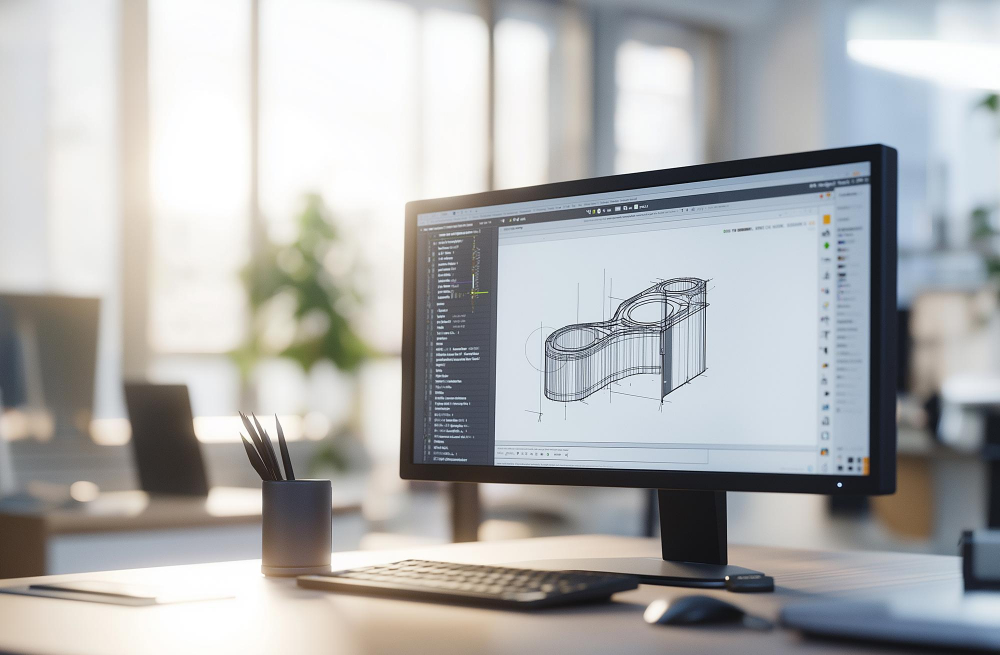
At its core, what is CAD can be answered by understanding its purpose: to digitally represent physical objects with mathematical precision. CAD software uses geometric shapes, lines, curves, and surfaces to construct detailed models. Engineers and designers manipulate these elements within a virtual workspace, applying dimensions, constraints, and properties that mirror real-world physics.
Modern CAD platforms operate on vector-based graphics, meaning objects are defined by mathematical equations rather than pixels. This allows infinite zooming and scaling without loss of quality. Users can rotate 3D models, generate cross-sections, and produce technical drawings automatically from the digital model—a process that once took hours or days by hand.
Key Components of CAD Software
CAD systems typically include drawing tools, modelling features, libraries of standard components, and simulation capabilities. Parametric modelling is a particularly powerful feature, allowing designers to define relationships between elements so that changes propagate automatically throughout the design. If you increase the diameter of a shaft, for example, associated bearings and housings update accordingly.
The History and Evolution of Computer Aided Design
The origins of CAD trace back to the 1960s when Ivan Sutherland developed Sketchpad, the first graphical computer interface that allowed users to draw directly on a screen. Early CAD systems were prohibitively expensive and ran on mainframe computers, accessible only to aerospace and automotive giants.
By the 1980s, the introduction of personal computers democratised CAD. Software such as AutoCAD brought design tools to smaller firms and individual practitioners. The 1990s saw the rise of 3D solid modelling, while the 2000s introduced parametric design and integrated simulation. Today, cloud-based CAD platforms enable real-time collaboration across continents, and artificial intelligence assists with design optimisation and automation.
What Is CAD Used For? Industry Applications
Understanding what is CAD also means recognising its versatility. CAD is employed across numerous sectors, each leveraging the technology to solve unique challenges.
Architecture and Construction
Architects use CAD to draft floor plans, elevations, and construction details with millimetre precision. Building Information Modelling (BIM), an advanced form of CAD, integrates structural, mechanical, and electrical systems into a single coordinated model, reducing errors and improving project delivery.
Mechanical and Product Engineering
Mechanical engineers rely on CAD to design everything from consumer electronics to industrial machinery. The software enables stress analysis, thermal simulation, and motion studies, ensuring products perform reliably before manufacturing begins.
Automotive and Aerospace
In automotive and aerospace industries, CAD is mission-critical. Complex assemblies containing thousands of parts are designed, tested, and refined digitally. Aerodynamic analysis, crash simulations, and weight optimisation are all conducted within CAD environments.
Manufacturing and Fabrication
CAD models feed directly into Computer Aided Manufacturing (CAM) systems, which generate toolpaths for CNC machines, laser cutters, and 3D printers. This seamless integration from design to production minimises errors and accelerates time-to-market.
What Is CAD Software? Types and Categories
The CAD landscape is diverse, with software tailored to specific disciplines and workflows. Broadly, CAD applications fall into three categories.
2D CAD
Two-dimensional CAD is used primarily for drafting technical drawings such as schematics, floor plans, and circuit diagrams. While 3D modelling has grown dominant, 2D CAD remains essential for documentation and industries where planar representations suffice.
3D CAD
Three-dimensional CAD enables the creation of solid models, surface models, and wireframes. This category includes parametric modellers (like SolidWorks and Fusion 360) and direct modellers (such as KeyShot and Rhino), each offering different approaches to geometry creation and editing.
Specialised and Industry-Specific CAD
Certain sectors demand specialised tools. Civil engineers use software like Civil 3D for road and site design. Electrical engineers employ CAD for printed circuit board layout. Fashion designers leverage CAD for pattern making and garment simulation.
Benefits of Using CAD in 2026
The advantages of CAD extend far beyond replacing pencil and paper. Precision is paramount: CAD eliminates human error in measurement and calculation. Efficiency gains are substantial—revisions that once required redrawing entire sheets now take seconds. Collaboration is enhanced through cloud platforms that allow multiple stakeholders to work on the same model simultaneously, regardless of location.
Cost savings accumulate throughout the product lifecycle. Virtual prototyping reduces the need for expensive physical models. Simulation identifies design flaws early, preventing costly recalls and rework. Documentation is automated, with bills of materials and manufacturing drawings generated directly from the 3D model.
Furthermore, CAD supports sustainability initiatives. Designers can optimise material usage, reduce waste, and evaluate energy efficiency before production. Lifecycle analysis tools integrated into CAD software help organisations meet environmental targets and regulatory requirements.
Choosing the Right CAD Solution
Selecting appropriate CAD software depends on your industry, budget, and specific requirements. Free and open-source options like FreeCAD and LibreCAD suit hobbyists and education. Mid-tier platforms such as Fusion 360 and Onshape offer professional capabilities at accessible price points. Enterprise solutions like CATIA and Creo provide advanced simulation and data management for large organisations.
Consider factors such as ease of learning, available training resources, community support, and integration with existing tools. Many vendors offer trial periods—take advantage of these to evaluate usability and feature fit before committing.
The Future of Computer Aided Design
As we progress through 2026, CAD continues to evolve rapidly. Generative design, powered by artificial intelligence, explores thousands of design permutations based on specified constraints and objectives, often producing innovative solutions humans might not conceive. Virtual and augmented reality are transforming design review, allowing teams to immerse themselves in full-scale virtual prototypes.
Integration with the Internet of Things (IoT) enables CAD systems to incorporate real-time performance data from deployed products, informing future designs. Cloud computing removes hardware limitations, making high-performance CAD accessible on lightweight devices. Meanwhile, advances in simulation accuracy continue to reduce reliance on physical testing.
Conclusion: Embracing the Power of CAD
By now, the question of what is CAD should be clear: it is the digital backbone of modern design and engineering, a tool that transforms ideas into manufacturable reality with precision and efficiency. Whether you’re an architect visualising a landmark building, an engineer refining a mechanical assembly, or a manufacturer preparing for production, CAD is indispensable.
The technology has matured dramatically, becoming more accessible, powerful, and integrated with other digital tools. In 2026, CAD is not merely a drafting aid—it is a comprehensive environment for innovation, collaboration, and optimisation. Understanding and leveraging CAD effectively can significantly enhance your competitive edge, reduce costs, and accelerate time-to-market.