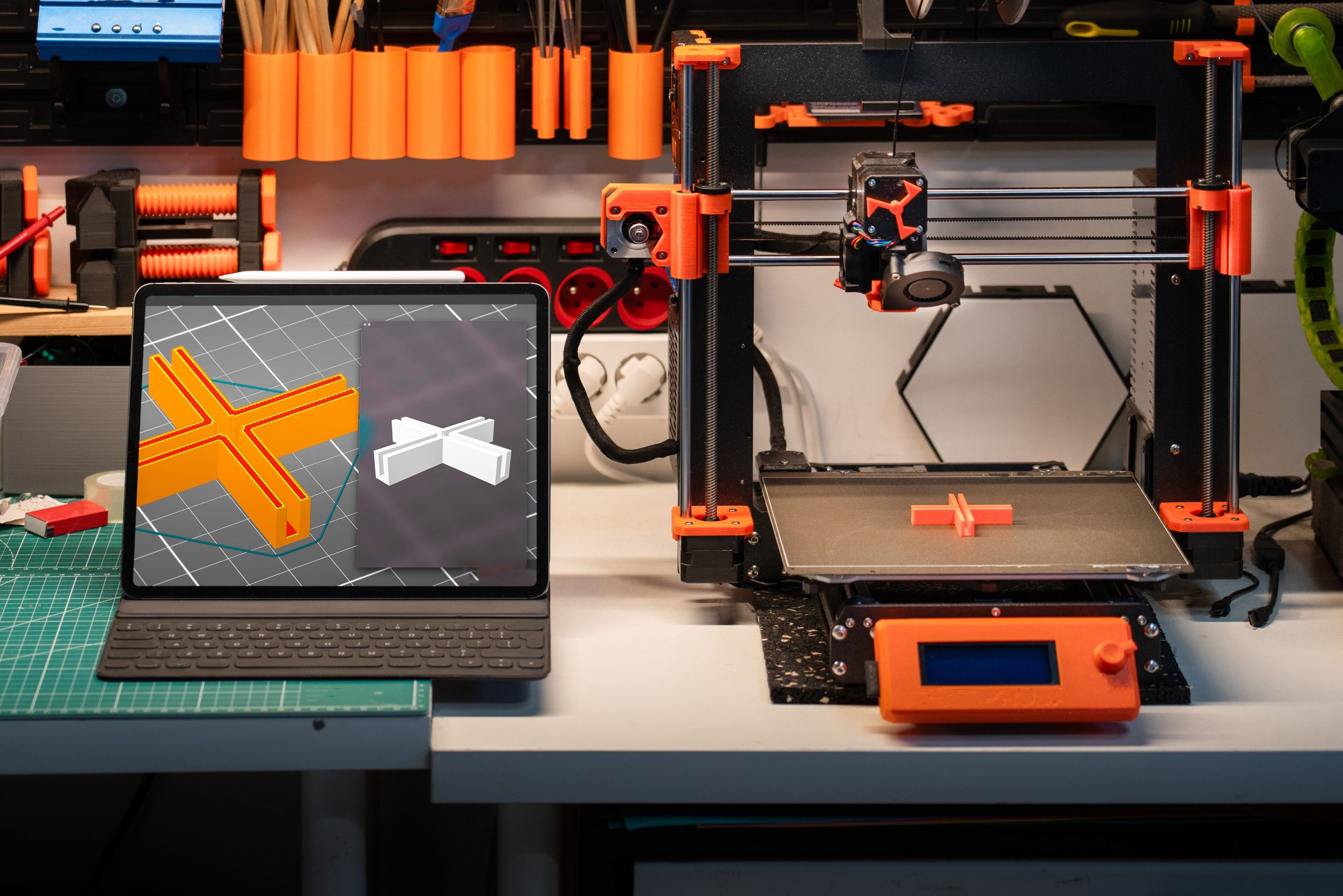
Compare industry-leading CAD platforms to find the best fit for your design workflow
By What is CAD | 23 November 2026 | 5 min read
When evaluating AutoCAD vs Fusion 360, designers and engineers often face a difficult decision. Both software packages are developed by Autodesk, yet they serve distinctly different purposes and workflows. AutoCAD has been the industry standard for two-dimensional drafting and technical drawing for decades, while Fusion 360 represents a modern, cloud-based approach to three-dimensional parametric modelling and manufacturing. Understanding the fundamental differences between these platforms is essential for anyone looking to invest time and resources into learning CAD software or upgrading their design toolkit.

AutoCAD vs Fusion 360: Core Design Philosophy
The first major distinction in the AutoCAD vs Fusion 360 comparison lies in their underlying design philosophy. AutoCAD was originally developed in 1982 as a drafting tool for architects, engineers, and construction professionals who needed to produce precise technical drawings. Its strength lies in creating detailed two-dimensional plans, elevations, and sections with exceptional accuracy. While AutoCAD does offer 3D modelling capabilities, these features are often considered secondary to its primary function as a drafting platform.
Fusion 360, launched in 2013, takes a fundamentally different approach. It is built from the ground up as a parametric modelling environment designed for product design, mechanical engineering, and manufacturing workflows. Fusion 360 emphasises three-dimensional form creation, assembly modelling, and simulation within a unified cloud-based platform. The software integrates CAM toolpaths and generative design features that appeal to makers, manufacturers, and product developers. Where AutoCAD excels at producing construction documentation, Fusion 360 focuses on designing physical objects destined for fabrication.
Another philosophical difference concerns collaboration. AutoCAD traditionally operates as desktop software with file-based workflows, though recent versions have introduced cloud collaboration features. Fusion 360 was designed cloud-first, meaning all projects are stored online by default, enabling real-time collaboration and version control without additional configuration. This makes Fusion 360 particularly attractive for distributed teams and educational environments where multiple users need concurrent access to design files.
Industry Applications
AutoCAD dominates in architecture, civil engineering, and construction sectors where two-dimensional documentation remains critical. Fusion 360 has gained traction in product design, industrial engineering, and hobbyist communities where rapid prototyping and digital fabrication are priorities. Understanding what CAD software is used for across different industries helps clarify which platform aligns with your professional goals.
Comparing Workflow and Interface in AutoCAD vs Fusion 360
The user experience differs substantially between these two platforms. AutoCAD presents a command-line driven interface that rewards keyboard proficiency and memorisation of shortcut commands. Experienced AutoCAD users can draft with remarkable speed by typing abbreviated commands rather than navigating menus. The workspace is highly customisable, allowing users to configure toolbars, palettes, and ribbon tabs to match their specific workflows. This flexibility makes AutoCAD powerful but requires significant investment in learning the software’s conventions and terminology.
Fusion 360 adopts a more modern, visual interface organised around contextual toolbars and workspace modes. Users switch between Design, Render, Animation, Simulation, and Manufacture workspaces depending on their current task. Each workspace presents relevant tools and hides unnecessary options, reducing visual clutter. The timeline feature at the bottom of the screen displays the history of design operations, allowing users to edit earlier steps and watch subsequent features update automatically—a hallmark of parametric modelling that AutoCAD’s traditional 3D environment does not fully support.
File management also differs significantly. AutoCAD projects consist of DWG files that reside on local or network storage. Users must manually manage versions and coordinate file access when collaborating. Fusion 360 stores all data in the cloud, with automatic versioning and conflict resolution. This eliminates many file management headaches but requires a stable internet connection for optimal performance. Some organisations prefer AutoCAD’s local file control for security or regulatory reasons, while others embrace Fusion 360’s cloud model for its convenience and backup protection.
Tip: If you primarily work on architectural floor plans, site layouts, or schematic diagrams, AutoCAD’s drafting tools will feel more intuitive. If you design products, mechanical assemblies, or objects destined for 3D printing or CNC machining, Fusion 360’s parametric modelling environment will accelerate your workflow considerably.
AutoCAD vs Fusion 360: Licensing and Accessibility
Cost and licensing structures represent another significant difference in the AutoCAD vs Fusion 360 decision. AutoCAD is positioned as professional-grade software with subscription pricing that reflects its enterprise focus. The software requires a substantial financial commitment for commercial use, though Autodesk does offer educational licences for students and instructors at no cost. AutoCAD runs exclusively on Windows and Mac operating systems, requiring reasonably powerful hardware for smooth operation, particularly when working with large or complex drawings.
Fusion 360 offers a more accessible entry point. Autodesk provides a free licence for hobbyists, startups, and educational users with certain revenue limitations. This has made Fusion 360 extremely popular in maker communities, online tutorials, and educational settings. Commercial subscriptions are available at lower price points than AutoCAD. Fusion 360 also runs on Windows, Mac, and even has limited functionality through a web browser, increasing accessibility across different computing environments. The lower barrier to entry has helped Fusion 360 build a large and active user community that shares tutorials, design files, and troubleshooting advice.
System requirements differ as well. Because Fusion 360 performs some computational tasks in the cloud, it can run on less powerful hardware than might be required for comparable local 3D modelling software. However, cloud processing depends on internet bandwidth and server availability. AutoCAD processes everything locally, offering predictable performance that depends entirely on your computer’s specifications. For users in areas with unreliable internet connectivity, AutoCAD’s offline capability may prove essential, though recent AutoCAD versions do require periodic online licence verification.
Choosing Between AutoCAD and Fusion 360
Making the right choice in the AutoCAD vs Fusion 360 comparison ultimately depends on your specific use case and career path. If your work centres on creating construction documents, technical drawings, schematic layouts, or any project where two-dimensional precision is paramount, AutoCAD remains the industry standard tool. Many architecture and engineering firms specify AutoCAD proficiency in job requirements because it integrates seamlessly with established workflows and file formats used throughout the AEC industry.
Conversely, if you design physical products, mechanical parts, consumer goods, or anything destined for manufacturing, Fusion 360 offers a more integrated and modern workflow. Its built-in simulation tools let you test designs digitally before committing to expensive prototypes. The CAM workspace generates toolpaths for CNC mills and lathes directly from your 3D models. Generative design features can explore hundreds of design variations automatically, optimising for weight, strength, or material cost. These capabilities make Fusion 360 compelling for anyone involved in product development or digital fabrication.
Some professionals choose to learn both platforms, recognising that each excels in its domain. For those just starting their CAD journey, exploring the best CAD software for beginners can provide context about where AutoCAD and Fusion 360 fit within the broader software landscape. Many educational programmes now teach Fusion 360 first because its visual, parametric approach helps students grasp three-dimensional thinking more quickly, then introduce AutoCAD later for documentation skills.
Migration and Interoperability
Both software packages support common file formats that facilitate data exchange. AutoCAD can export DXF and DWG files that Fusion 360 can import for reference or as sketch profiles. Fusion 360 can export STEP, IGES, and STL files that AutoCAD and other CAD packages can open. However, full parametric history does not transfer between platforms, so moving a project mid-stream involves some translation compromises. Most professionals commit to one platform per project to maintain full editing capability throughout the design process.